The Spreadsheet Graveyard: Why Your Home Tracker Dies Around Month 4
 Elizabeth KiselevMay 18, 202610 min read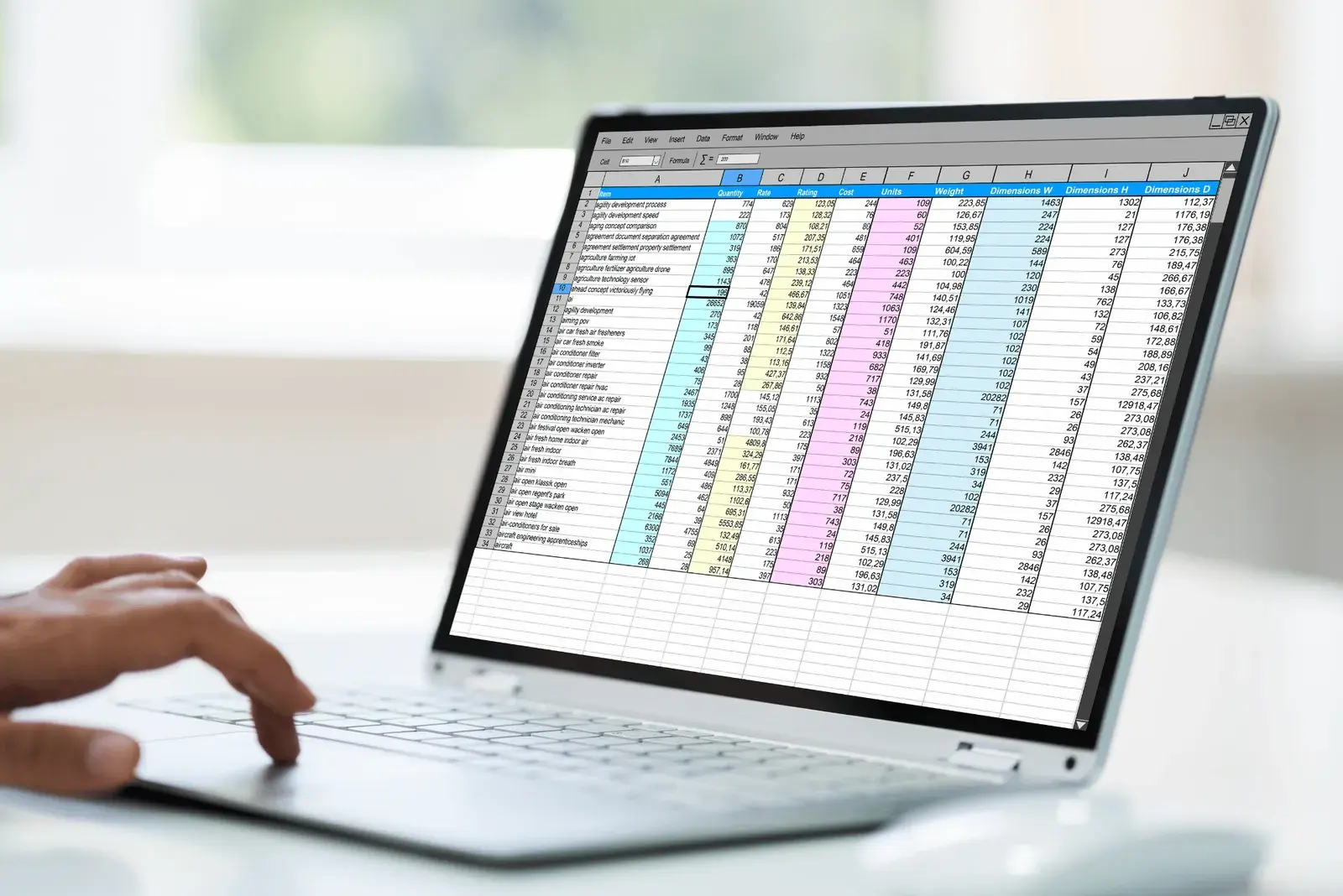
You built the spreadsheet with the best intentions.
Tabs for appliances, warranties, paint codes, contractor names. Maybe you color-coded it. Maybe you added a tab for "future renovations" that you swore you'd actually update. For the first few weeks, you did update it. You felt organized. You felt like the kind of homeowner who had it together.
Now open that spreadsheet. Look at the "Last edited" date.
If you're like most homeowners, that date sits somewhere between three and five months after you built it, and you haven't touched it since. The spreadsheet didn't fail because you got lazy. It failed because the format was structurally wrong for the job, and almost every home management spreadsheet dies on a similar timeline for similar reasons.
This isn't a personal failing. It's a structural one. Once you understand exactly why spreadsheets fail at home management, you stop blaming yourself for not keeping up, and start looking for a system that doesn't depend on you keeping up at all.
The Lifecycle of a Doomed Spreadsheet
Almost every homeowner who builds a tracking spreadsheet follows a remarkably similar arc:
Weeks 1–3: The Honeymoon. You just bought the house, or something triggered you: a big repair, a missed warranty claim, a refinance. You build tabs for everything: appliances, paint colors, warranties, contractors, service history, the cost basis math your accountant once mentioned. The spreadsheet is gorgeous. You feel responsible.
Weeks 4–8: The Plateau. New entries slow down. The spreadsheet still gets opened, but mostly to look at, not to update. You start telling yourself you'll "do a big update this weekend." You don't.
Weeks 9–14: The First Crack. Something breaks: a dishwasher, a furnace, a roof leak. You scramble to find the warranty. You can't remember if you put it in the spreadsheet. You search your email instead. This is the moment the spreadsheet's core promise quietly breaks: it didn't help you in the one situation it was supposed to help you in.
Weeks 15–18: The Drift. You forget to log the new appliance. You forget the new HVAC service. The spreadsheet starts being out of sync with reality. Once it's wrong, the cost of trusting it goes up. It becomes a snapshot of your home from months ago, which is almost worse than nothing, because it gives you the false confidence of a system that quietly stopped working.
Month 4: The Funeral. You haven't opened it in three weeks. It's still in your Drive somewhere, technically. But it's no longer a tool. It's a relic.
This isn't a story about discipline. According to Hippo's national homeowner survey, 46% of homeowners reported something unexpected going wrong in their home in the past 12 months, and a DomiDocs study found that two-thirds of homeowners struggle to locate important home documents when they need them most. The structural problem isn't unique to you. It's the format.
The Six Specific Reasons Home Management Spreadsheets Fail
Most articles on this topic stop at "it takes time." That's a symptom, not a cause. Here's what's actually breaking down under the hood.
1. The Inbox Problem
Almost everything that should go into your home management spreadsheet arrives in your email inbox. Warranty registrations from Whirlpool, e-receipts from Home Depot, service confirmations from your HVAC company, closing documents, insurance updates, contractor invoices, appliance manuals.
A spreadsheet has no relationship with your email. So every time something arrives, you either manually copy fields over or trust your future self to come back later and do it. Both break almost immediately, starting the moment the first warranty registration email gets buried under your normal inbox flow.
This is the single biggest structural reason home spreadsheets fail. The format and the source of truth aren't connected.
2. The Mobile Problem
Home stuff happens away from your desk. The plumber is at your kitchen sink right now and you need to look up whether your faucet is still under warranty. You're at Lowe's wondering what brand of paint matches your dining room.
You pull out your phone, open Google Sheets or Excel, and try to find the right tab. Pinch to zoom. Scroll horizontally. Squint. Try to type a new entry with your thumbs. Give up.
Spreadsheets are a desktop format. Home management is a mobile activity. The friction of mobile editing is high enough that most people quietly stop using their tracker the moment they're not at their computer, which, for home stuff, is almost always.
There's a retrieval version of this too. "When did we last replace the air filter?" is not a question a spreadsheet can answer unless you already know which row to look in. Which you don't, because that's why you're searching.
3. The Document Problem
Spreadsheets are good at fields. They're terrible at files.
Here's what your home actually produces over a year: warranty registrations, paint code photos, receipts, contractor invoices, inspection reports, insurance declarations, appliance manuals, before-and-after photos of repairs. A spreadsheet can hold a link to those things, but it can't hold the things themselves.
So you end up with a spreadsheet that points to a Google Drive folder that points to a Dropbox link that's expired. Every link is one more decision at the moment of filing (where does this go? what do I name it?) and one more place future-you has to go to retrieve it. This is the same friction that derails insurance claim documentation when you actually need it, where a smooth claim versus a denied one often comes down to producing the right paperwork on demand.
The cognitive cost of maintaining the connections between the spreadsheet and the underlying files is what actually kills it. Not the spreadsheet itself. The map between the spreadsheet and reality.
4. The Time-Decay Problem
Home information doesn't expire all at once. It expires on rolling timelines, none of which the spreadsheet knows about.
The water heater warranty? 6 years from purchase. The roof warranty? 25 years, if you remember to register it. The HVAC service contract? Annual. The gutter cleaning? Twice a year. Termite inspection? Annual. Furnace filter? Every 90 days. Smoke detector batteries? Annually. Property tax appeal window? 30 days from assessment.
A spreadsheet doesn't fire alerts. It doesn't know what's coming up. It can't tell you that the dishwasher you bought 364 days ago is one day away from its warranty expiring. The data is technically in there, but the spreadsheet has no concept of time, urgency, or "you should know about this now." That's how you end up paying $400 in year four of an eight-year warranty for a repair that should have been free.
So the homeowner becomes the alert system. And homeowners are bad alert systems, especially when, according to ConsumerAffairs data, the most common appliance failures come from systems homeowners rarely think about until they break: HVAC (24% of breakdowns), washer/dryer (21%), indoor plumbing (21%), water heater (18%), and refrigerator (18%).
5. The Schema-Decay Problem
Here's the one that surprises people. The structure of your spreadsheet (the columns, the tabs, the fields) was designed by you, in week one, before you really knew what you'd need.
By month three, the structure is wrong. The "Appliances" tab needs a serial number field you didn't include, so half your entries are incomplete. The "Paint" tab assumed one paint per room, but the trim is a different color. "Warranty Expiration" is a date field, but some warranties run from purchase and some from installation, and you didn't differentiate.
Fixing the schema means going back through every existing entry. So you don't. The structure stops matching the actual shape of your home, and the gap widens every week. This is also why the templates you download from Pinterest never quite work: someone else's schema is even less likely to fit your house than your own first draft did.
6. The Lifecycle Problem
A spreadsheet is built for one homeowner, with one set of habits, at one point in time. But your home outlives all of those.
You sell the house. The new owners get… what? A Google Sheets link? A printed PDF? Nothing? The information you spent four years entering (the cost basis for your taxes, the warranty status of the appliances they're now responsible for, the contractor relationships, the paint codes) has no clean way to transfer.
You refinance, and your lender wants documentation of capital improvements. The spreadsheet has the data, but in a format no underwriter wants to read. The tax stakes are concrete: under IRS Section 121, you can exclude up to $250,000 in capital gains from a home sale ($500,000 for married couples filing jointly), and only documented improvements reduce the taxable gain above that line. A spreadsheet can hold those numbers; the audit-ready paperwork behind them is another story.
If you're managing a second home or an aging parent's property from a distance, there's another gap: a spreadsheet can't be shared at multiple permission levels. Either everyone has full access, or no one has any.
A spreadsheet is a snapshot of one person's effort. A home is a 30-year asset with multiple owners, stakeholders, and events that need its data. The mismatch is structural.
Which Kind of Spreadsheet User Are You?
If you've built one of these and watched it die, you probably did so as one of three types.
The Architect builds a beautiful system in week one: more than 10 tabs, conditional formatting, a dashboard. Architects die at the schema-decay step, because the system is too rigid to evolve and too elaborate to maintain.
The Collector focuses on capture: pasting receipts, forwarding emails, logging everything. Collectors die at the inbox and document problems, because the incoming volume outpaces the filing, and the spreadsheet becomes a backlog instead of a record.
The Reactor only updates after something goes wrong: a claim, a sale, a refinance. Reactors die at the time-decay problem, because a reactively maintained spreadsheet is never up to date when it's needed most.
There's nothing wrong with being any of these. But none of them is a spreadsheet's fault, and none of them is fixable by trying harder.
Why the Apps Don't Fix It Either
The obvious next move is an app, and most fail for a different reason: they ask too much of you. The pattern is reliable. Download the home maintenance app, spend a Sunday entering every appliance and serial number, use it twice, forget the password by spring. An app that depends on manual data entry is a spreadsheet with a nicer interface. The friction is the same, the death rate is the same, and the app charges a subscription while it sits unused.
Budget apps like YNAB have the opposite problem. They sync with your bank and categorize spending beautifully, but a $6,200 debit to an HVAC company is just a number to them. They can't hold the invoice, the warranty terms, or the service history that makes the number useful later, and your records often live locked inside their system.
So the real choice was never spreadsheet versus app. It's between systems that require you to feed them and systems that feed themselves.
What This Actually Costs You
The hidden cost of a dying spreadsheet isn't the spreadsheet. It's the things that quietly fall through it.
According to Bankrate's Hidden Costs of Homeownership Study, the average homeowner now spends more than $8,800 per year on maintenance alone, and Angi's State of Home Spending Report puts average emergency repair spending at $2,321 on top of that. When the spreadsheet stops being trustworthy, that's the spending you lose visibility into.
Translated: a dead spreadsheet doesn't just feel disorganized. It's quietly costing you in missed warranty claims, forgotten service intervals, lost cost basis at sale, and the kind of paperwork gaps that turn a routine insurance claim into a denied one.
Where HouseFacts Comes In
Here's the part worth saying plainly: the instinct behind your spreadsheet was exactly right. Your home produces a constant stream of records, expenses, and deadlines, and none of it should live only in your memory. The tool just wasn't built for the job: most software that could handle it was designed for property managers running 100 or more units, not a homeowner with one house, or three.
The reason home management spreadsheets fail isn't that homeowners are lazy. It's that the spreadsheet has no relationship with your email, no mobile fluency, no understanding of files, no concept of time, no flexible schema, and no portability. Those six gaps are the entire problem.
HouseFacts was built around closing them. You forward a warranty registration or receipt to your HouseFacts inbox, and Smart Forwarding files it under your home with the vendor and date captured for you: no fields to fill. For homeowners sitting on years of inbox receipts, that turns a backlog into a searchable record in an afternoon, not a lost weekend. The mobile experience is the primary one, not an afterthought. Documents and data live in the same place. Add a warranty's coverage dates and HouseFacts reminds you before it expires. The schema evolves as new data types arrive. And when you sell, the record goes with the house, including the cost basis paperwork your accountant will want.
You don't have to be the alert system, maintain the schema, or remember which folder holds the receipt. The infrastructure does the work the spreadsheet was structurally incapable of doing, and it costs less per year than a single HVAC service call.
That's not a knock on spreadsheets. Spreadsheets are extraordinary tools: for analysis, for modeling, for one-time calculations. They are simply the wrong shape for the job of running a home.
What to Do With Your Existing Spreadsheet
If you have a half-dead spreadsheet sitting in your Drive, you don't need to throw it out. Three suggestions:
Don't try to revive it. Trying harder won't change the structural fit. It will just make the next funeral longer.
Pull out the high-value data. Cost basis numbers, paint codes, contractor names, appliance serial numbers: those are worth migrating somewhere durable. (Our blog on going paperless has a starter list of what to prioritize.)
Audit your inbox. Most of what should be in your home record is sitting in your email anyway. That's where the real archive lives. The job is to make it searchable, alert-aware, and shareable, which a spreadsheet was never going to do.
The Real Question
The internet has trained us to think the question is: What's the best home management spreadsheet template?
It isn't. The real question is: Why am I asking a tool built for crunching numbers to manage a multi-decade physical asset that produces documents, deadlines, and decisions?
A spreadsheet is a tool that requires you to be a different person than you actually are. More disciplined. More consistent. Someone who, three Tuesdays from now, will remember to update Tab 4 with the plumber's receipt. You are not that person. Almost no one is. The system you actually need does the organizing in the background while you do the living.
Once you sit with that for a minute, the graveyard makes sense. And so does the path out of it.
Want a home record that doesn't die in month 4? Start your HouseFacts profile free: receipts and documents filed straight from your inbox, organized for you, ready when you actually need them.
Or, dig deeper:
Keep reading
 organizationmaintenance
The 10 Numbers Every Homeowner Should Have Saved Before a Crisis Hits
Don't wait for a burst pipe or a midnight lockout to realize you're unprepared. Here are the 10 essential contacts every homeowner needs saved before an emergency strikes, plus a free printable template.
 organizationmaintenance
The Room-by-Room Spring Cleaning Checklist for Homeowners: Protect Your Home's Value
Spring cleaning goes beyond tidying up. Use this room-by-room home maintenance checklist to protect your home's value and catch costly repairs before they happen.
 organizationhousefacts
Beyond Checklists: How Premium Property Management Tools Let Your Second Home Thrive, Even When You’re Not There
Second homes come with double the maintenance and double the paperwork. Here’s how the right property management tools keep yours protected while you’re away.