Caring for a Home
You're responsible for the house. Its history isn't in your head.
You inherited it, or bought it from someone who kept good records, or you see it three weeks a year, or you have quietly stepped in to help a parent with theirs. Either way you didn't buy the appliances and you weren't there when the roof was done, so HouseFacts gives that home one clear record you can build from wherever you are.
Start Your Free 14-Day TrialFree for 14 days. No credit card required.
Start with what the house already knows
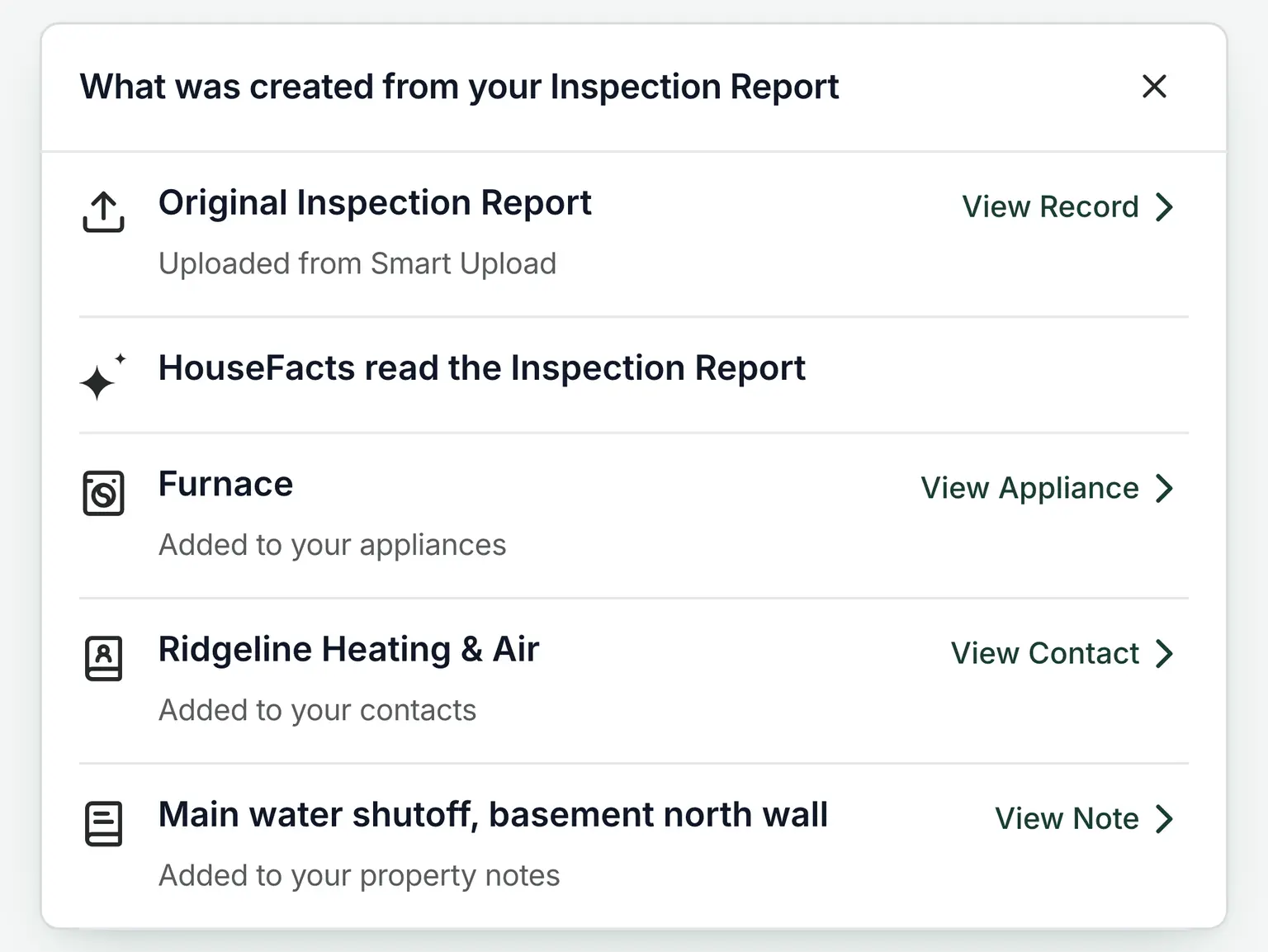
The fastest way to learn a house you didn't grow up with is the inspection report. Upload it and HouseFacts reads it, then adds the appliances, the service contacts, and the notes straight to the home's record. The furnace becomes an appliance. The heating company becomes a contact. Where the main water shutoff is becomes a note you can actually find.
Maintenance the inspector flagged arrives as recommendations on the home's plan, so you review and accept the ones that matter. Nothing lands on the calendar without your say so.
Find out what you've taken on
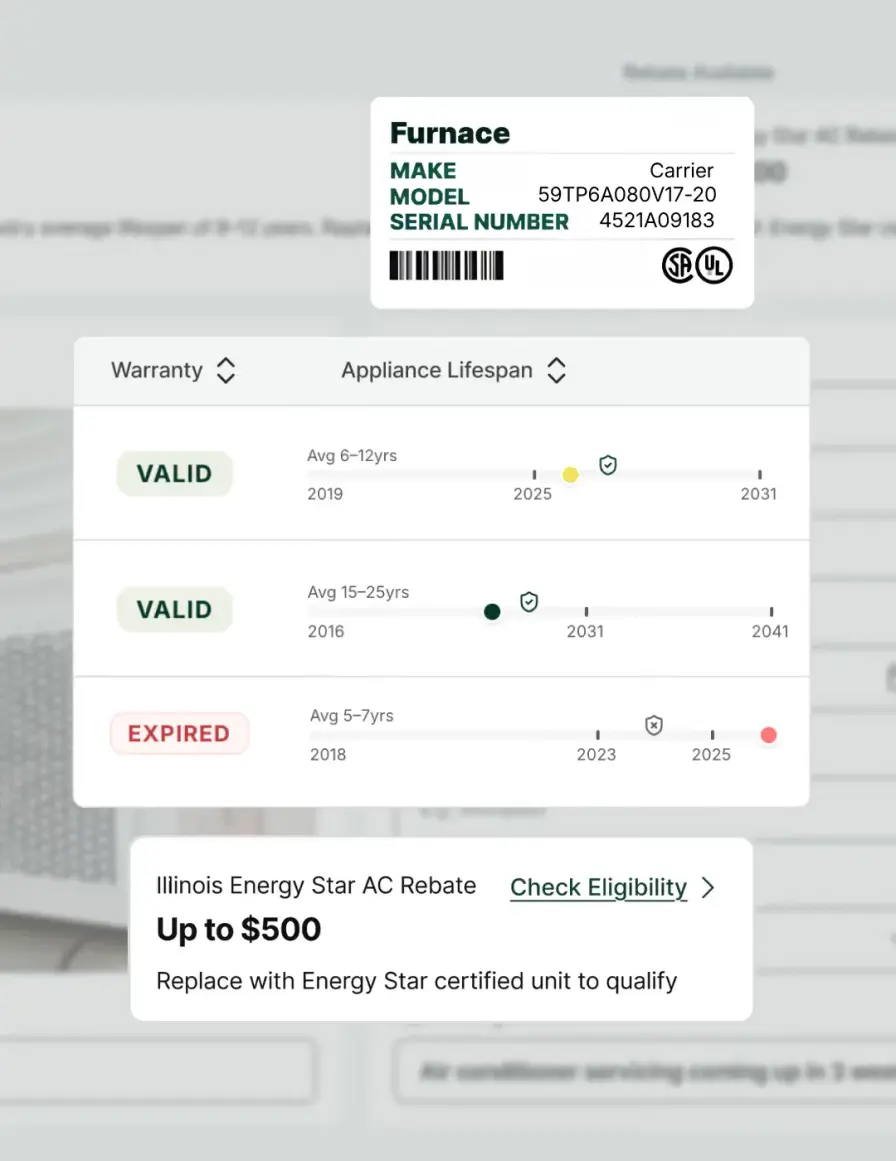
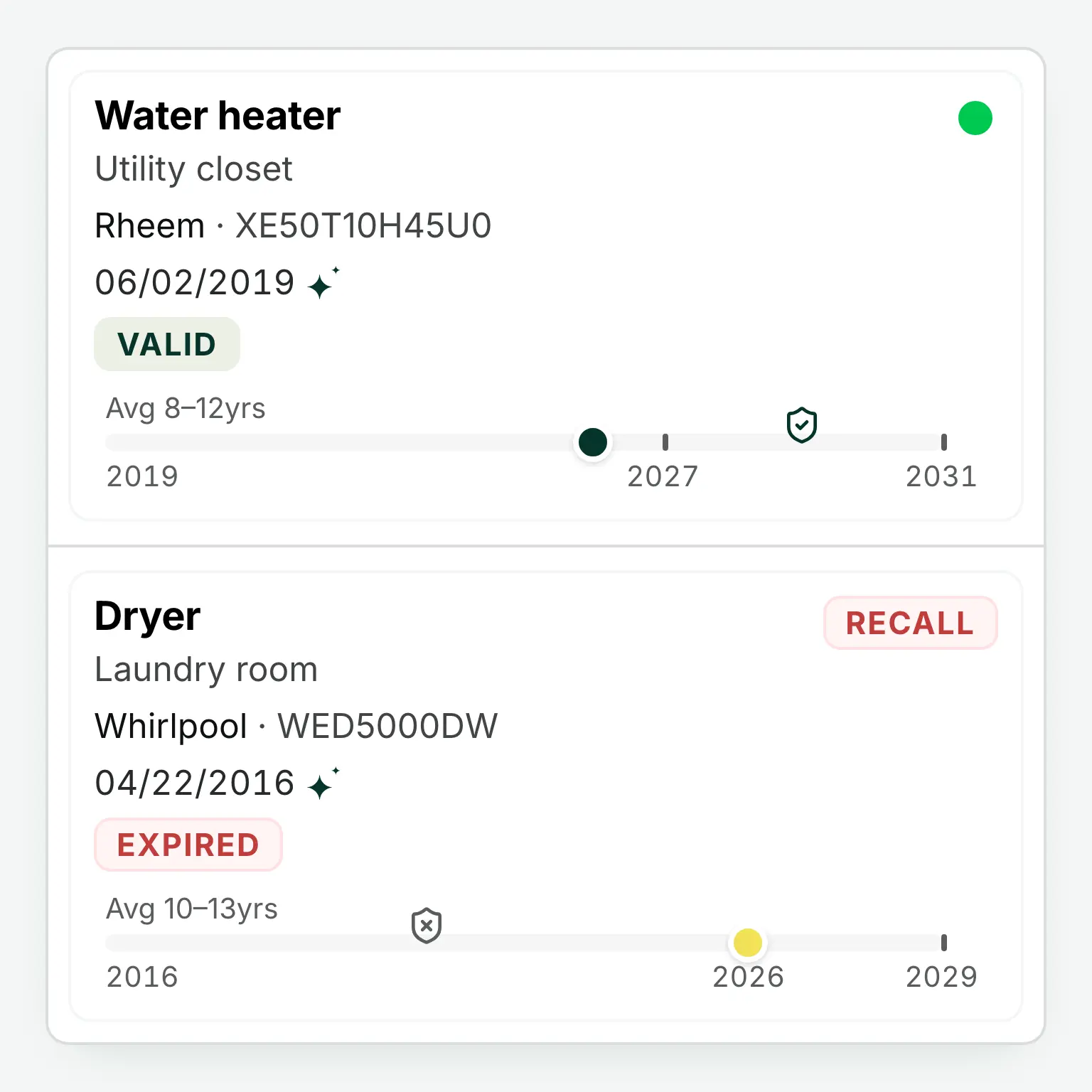
Photograph the label on the furnace, the water heater, the dryer. The serial number tells you when the unit was made, how long its kind usually lasts, and whether it has an open recall. That is the part nobody hands over with the keys, and it is the difference between a surprise and a plan.
Each appliance then keeps its own service history, so the work you have done on it stays attached to it. Add the warranty dates if you have them and HouseFacts tracks those too. Where a rebate applies to something you own, you will see it, though what is available depends on the zip code.
The people who help can see it too
Looking after a home is rarely a solo job, so invite your siblings, your spouse, or the neighbor who checks in, each with the role that fits: view, edit, or manage. Your sister can log the repair she handled while your brother just sees that it happened.
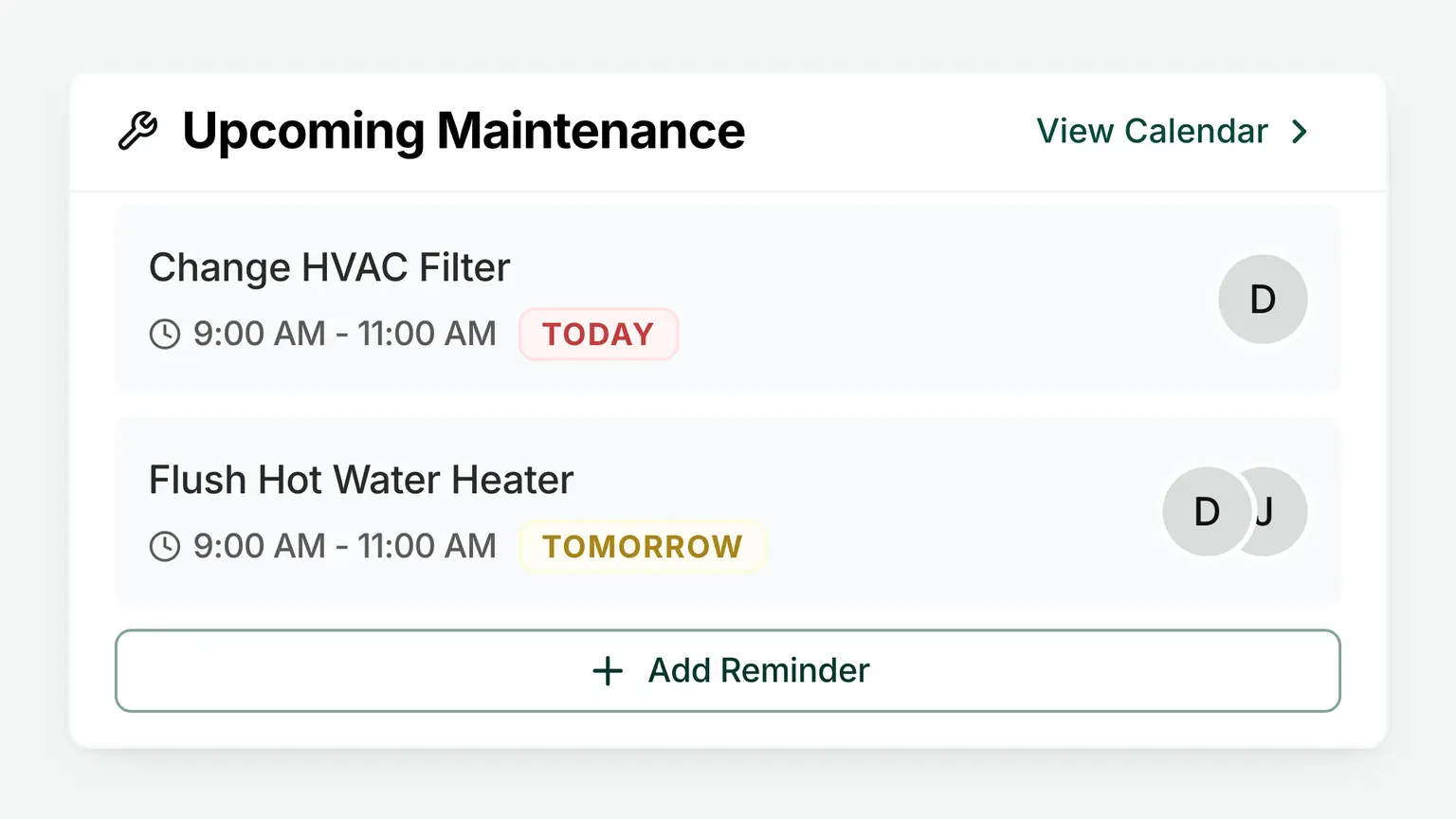
The shared property calendar holds the home's maintenance plan in one place the whole household sees, so nobody wonders whether the gutters got done and nobody has to send the reminder text. And the local contacts stay with the house rather than with whoever happened to save the number.
Records ready when the decisions come
Some decisions arrive on their own schedule: a repair worth doing now, an insurance claim after a storm, and someday the conversations about the estate. Each one goes easier when the home's story is already written down, with every invoice, warranty, and service visit in its place.
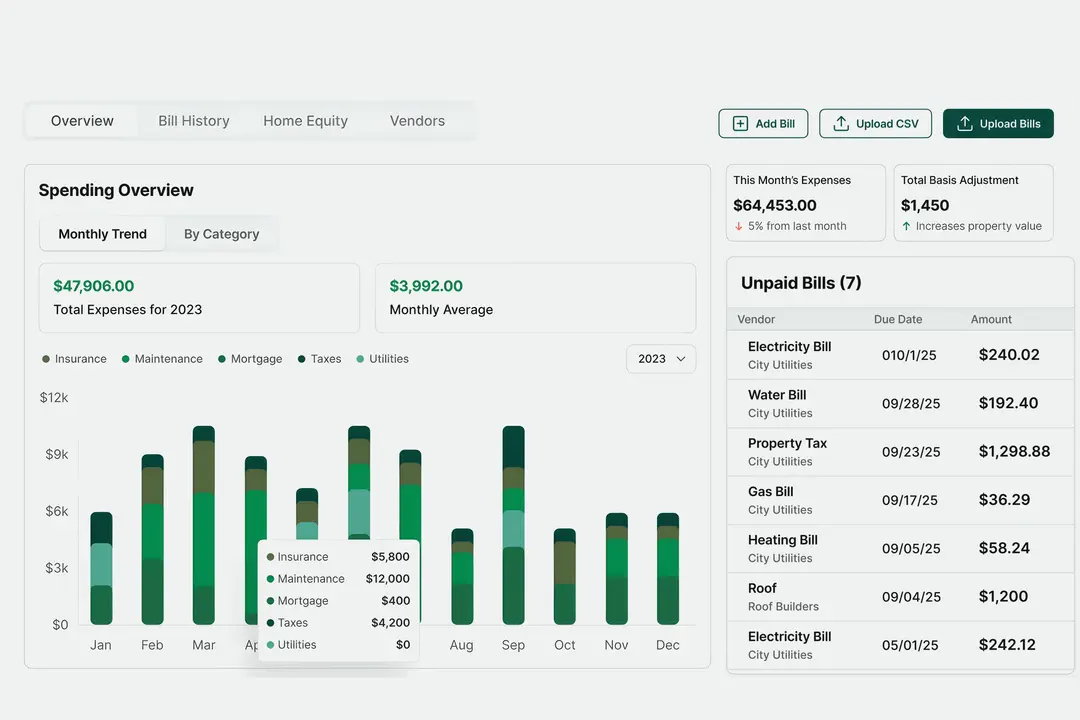
Forward a bill or a receipt to the home's own private address and Smart Forwarding files it, for any property, including one you don't live in. That record carries the home's costs and improvements, so whoever handles the paperwork later inherits a record and not a shoebox.
“I didn't know where the main water shutoff was for the house, and now I do because of that feature.”
Every home gets its own complete record, and the people who look after it share one clear picture. Not checking up on anyone. Just making sure nothing falls on one person's memory.
Frequently Asked Questions
I didn't buy this house. Can HouseFacts tell me what's in it?
Yes, and it is the fastest way to start. Upload the inspection report and HouseFacts reads it, then adds the appliances, the service contacts and the property notes straight to the home's record. That is where most people find the things nobody thought to mention, like where the main water shutoff is. From there, photograph the label on the furnace or water heater and the serial number tells you when the unit was made, how long its kind usually lasts, and whether it has an open recall.
Can family members have different permissions?
Yes. When you invite someone to a home, you choose their role: view, edit, or manage. A sibling who just wants visibility can view, the one coordinating repairs can edit, and whoever runs point can manage the household. Everyone sees what they need without stepping on each other.
Does the owner need to use it?
No. If you are looking after a home on someone else's behalf, they never have to open an app. You can run the whole record yourself, and if they want in, they can be invited with whatever role feels right, from a simple view to full manage. HouseFacts works for the person doing the looking after, at whatever level of involvement everyone chooses.
Can I manage more than one home?
Yes. Each property gets its own record, its own calendar, its own contacts, and its own private forwarding address, all under one login. The house you live in and the one you look after stay cleanly separate, and switching between them takes one tap.
What does it cost?
$99/yr or $9.99/mo per property, after a free 14-day trial with no credit card required. Each home is its own subscription, so you only pay for the properties you actually keep records for, and invited family members don't cost anything extra.
Learn the House You're Responsible For
Set up the home, upload what you have, invite whoever helps, and let the record do the remembering. Free for 14 days. No credit card required.